


Migrate ODI to Any Technology
Planning to move away from Oracle Data Integrator? Learn how automated migration can convert ODI mappings, transformations, and workflows into modern integration technologies while reducing project risk, cost, and delivery time.

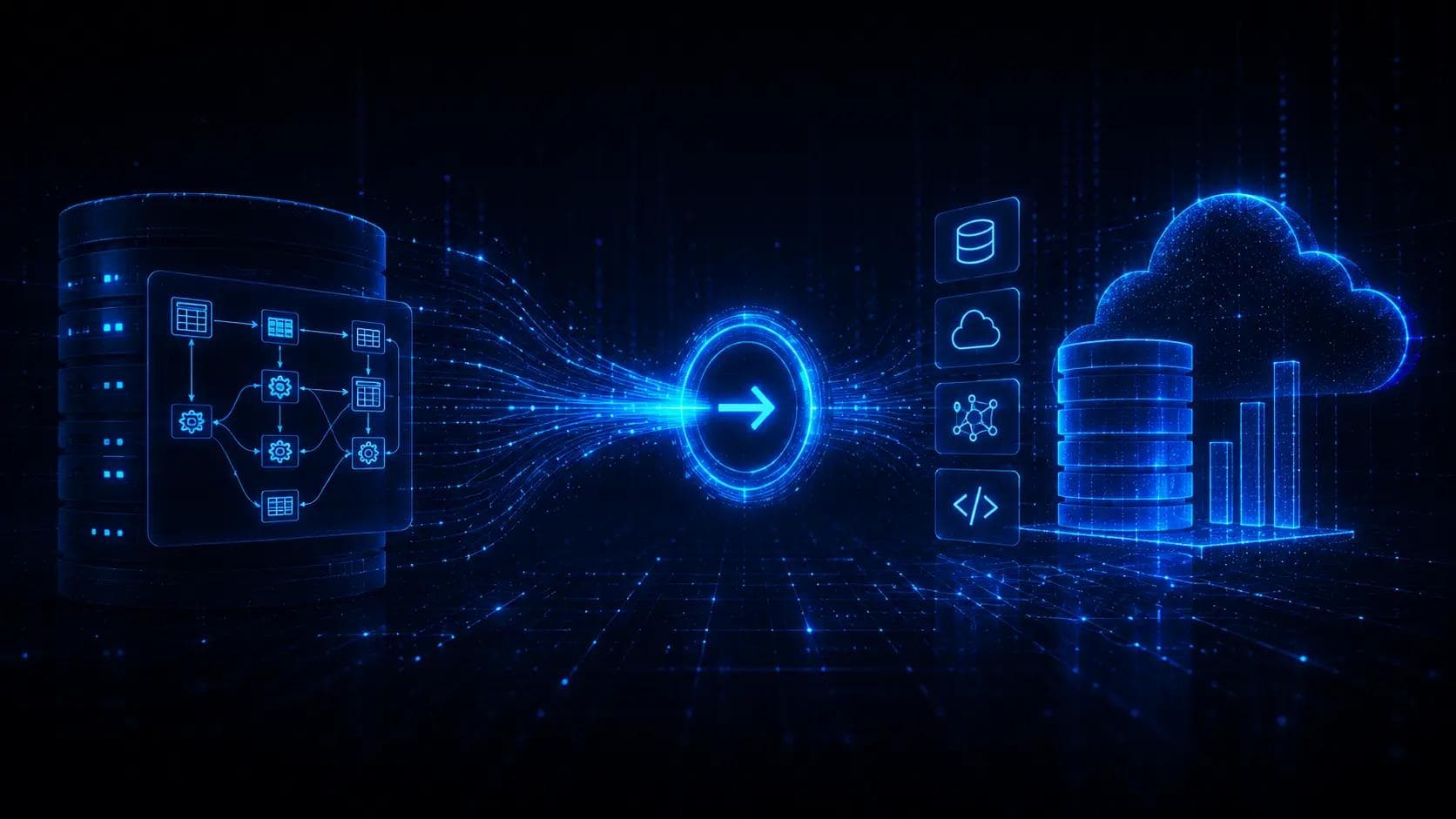
Migrate ODI to any technology
In on-prem world, Oracle was one of the most popular data vendors. Their ETL tool, Oracle Data Integrator, was very widespread.
Popularly known as ODI, the tool was one of the pioneers of ELT concept. Extract from source system(s), load into staging area, and use target database engine to perform transofrmations. So, basically ODI was an SQL generator, with support for wide range of source and target technologies. With SQL being one of the foundations of data engineering, no wonder ODI was very popular in the Oracle community and beyond.
However, now more and more companies are moving away from the hassle of having their own data centers. With on prem installations, comes a myriad of system engineer and DBAs – and even more of such support personnel to have some back up if somebody important leaves the company. In cloud, somebody else takes care of this. The companies can focus on what they really want – analyse their data in order to make better, more informed decisions.
But what if we have ODI installation with hundreds, if not thousands of integration routines? Or mappings, as they are called in ODI terminology. Surely, rewriting them from scratch manually in the new, cloud-based technology would be absolutely huge project. In all senses – time, money and people required to do it.
Luckily, there is solution.
Using Epic Ingenioso, we can reduce hours, days or even weeks of programming to just a couple of clicks.
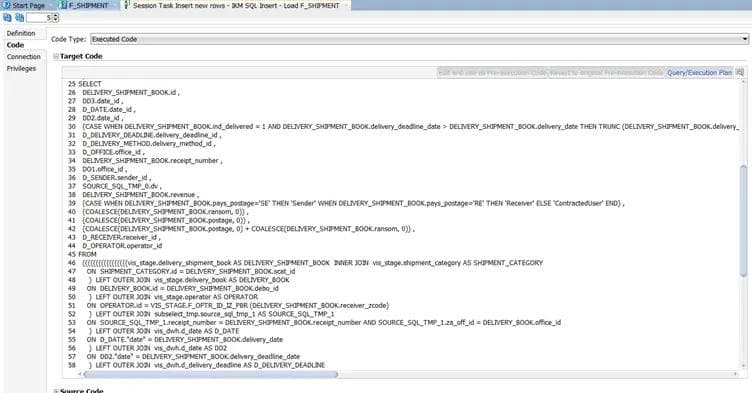
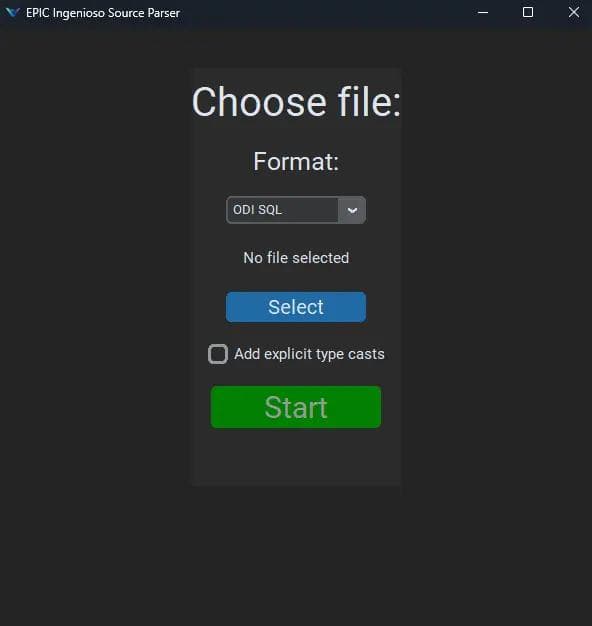
Use ODI operator to get SQLs generated by ODI. Store them into file. In Epic Ingenioso source parser, select file, click.
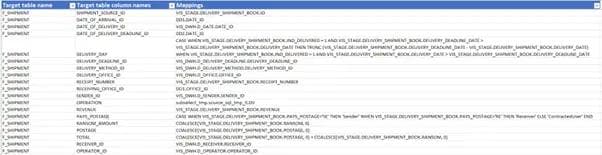
We get both the metadata about processed mapping and documentation for the integration routine in the new technology. But wait, we don't have the new integration routine yet!
No problem. Use Epic Ingenioso Target Generator. Select file. Choose among many of the target technologies – such as dbt or stored procedure in any of the cloud, open source or commercial databases you might use. Click Start. And that's it.
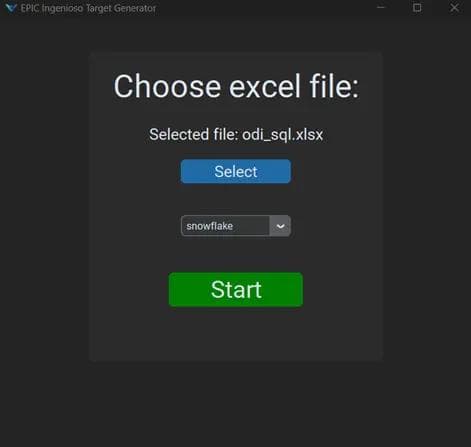
Using such approach, savings in time and money are enormous and risks of bugs are seriously reduced.
Tags
You might also be interested in
View all articles BLOG
BLOGMigrate ODI / DataStage to dbt
 Luka List
 BLOG
BLOGDid AI agents kill RPA?
 Matej Ledinski
 BLOG
BLOGMigrate DWH to Cloud – Project Roadmap
 Miljenko Vuković